
DIY Sim Shop
Golf Sim Components
Everything you need to build a premium simulator — high-quality materials, clear guidance, and NZ-based support. No guesswork, no cheap compromises.
Launch Special
$7,999 incl GST
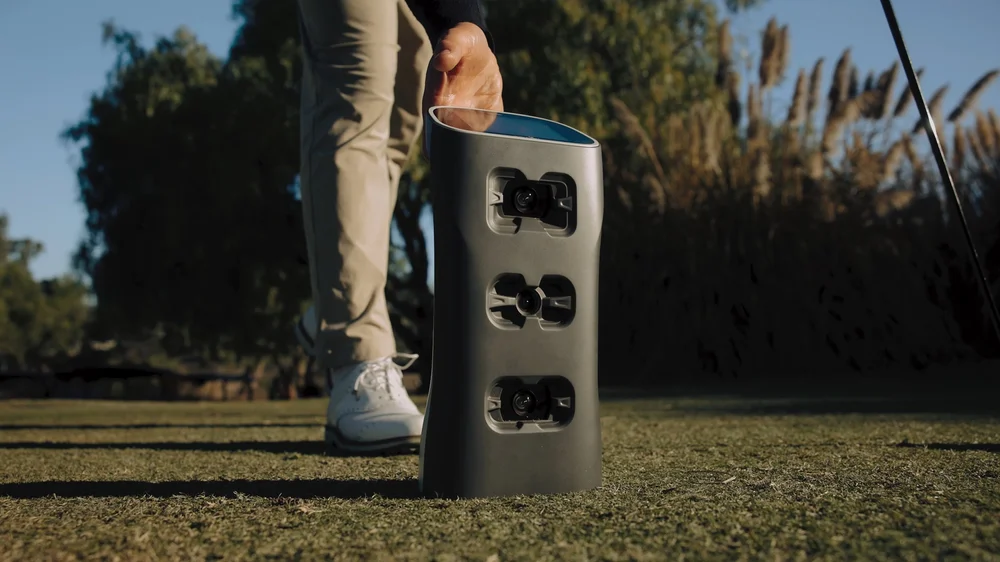
Golfjoy Spica 3 Launch Monitor
- Triple ultra high-speed cameras
- 27 data points for ball and club
- Portable and durable
- Built-in intuitive touch screen
- Works with any ball
- Compatible with multiple softwares
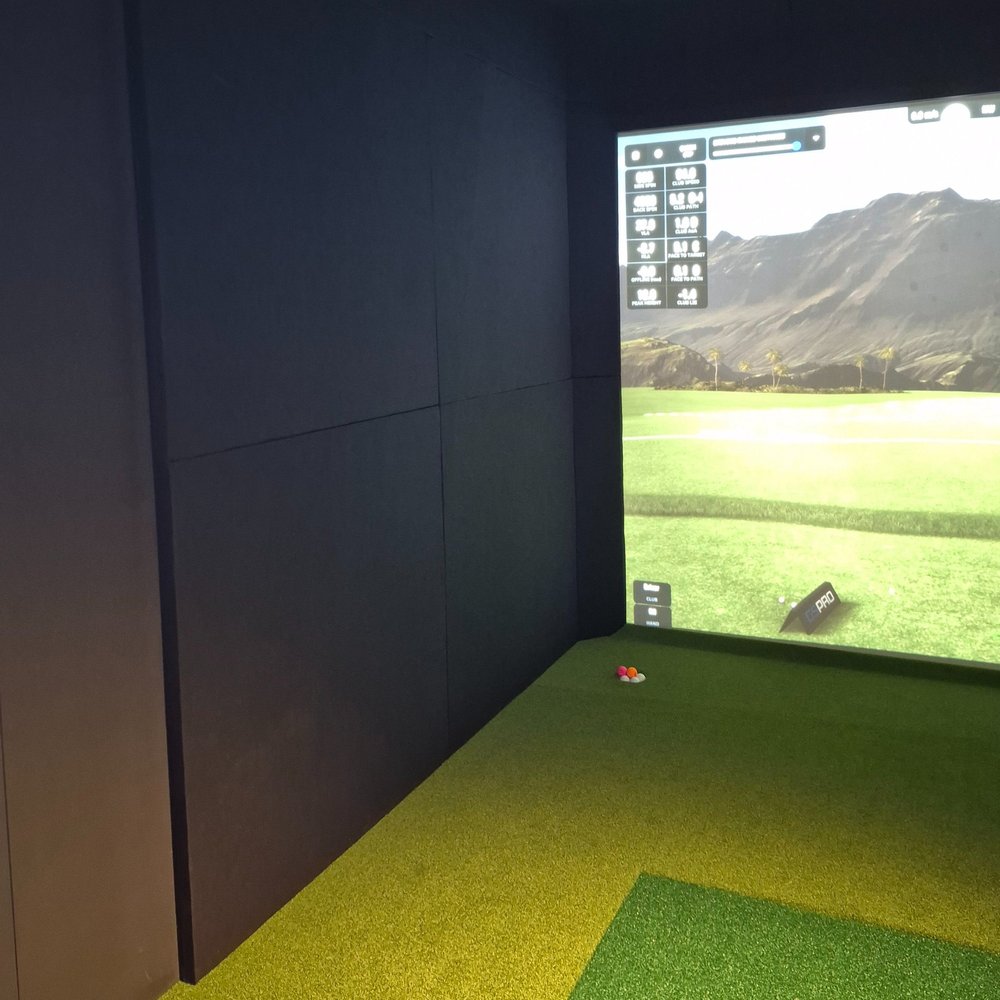
Enclosure components
Impact / Acoustic Panels
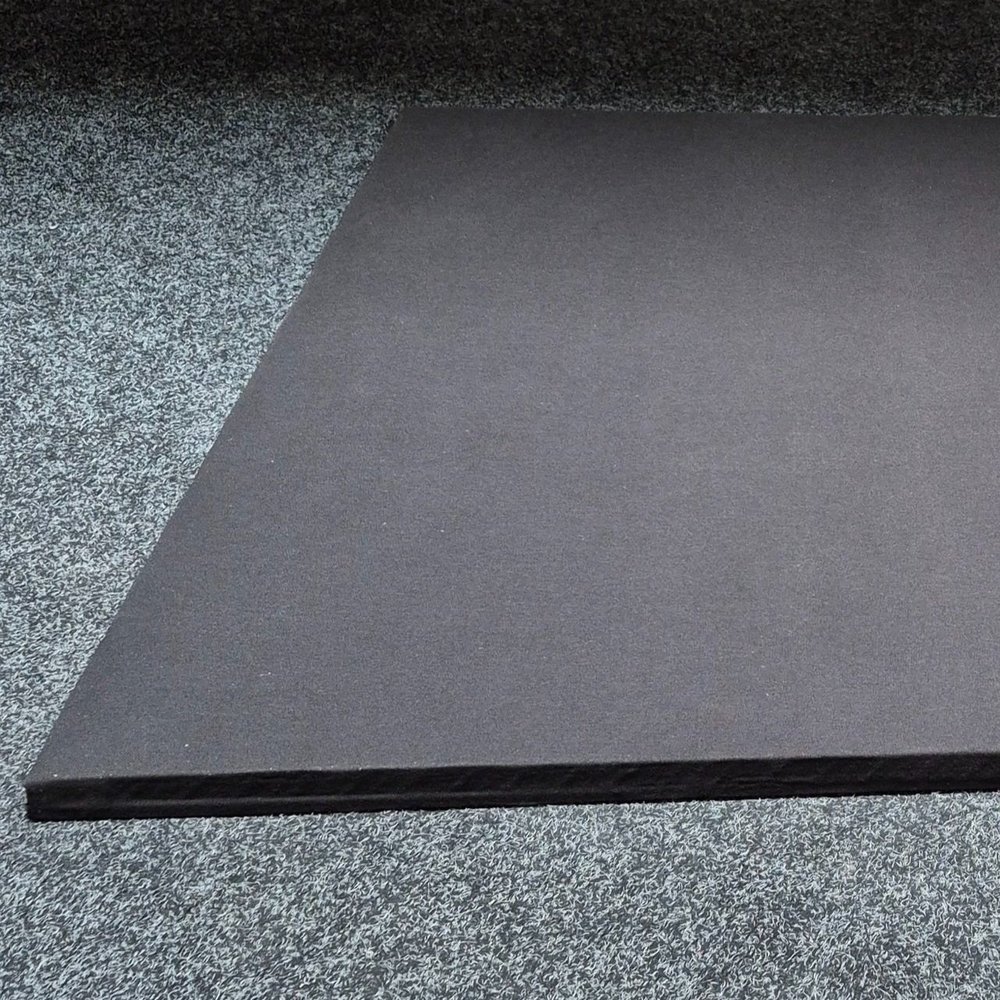
Lining the walls and ceiling of your enclosure with these premium multi-layer panels contains the balls and — more importantly — the sound within your enclosure.
Wrapped in premium black upholstery fabric, the panels are 35 mm thick with a slim-line, invisible mounting system for a clean look and a tight, secure fit.
Standard sizes: 1,200 × 2,400 mm · 1,200 × 1,200 mm · 1,200 × 600 mm · 1,200 × 300 mm. Custom size and fabric available.
Screen Edge Foam
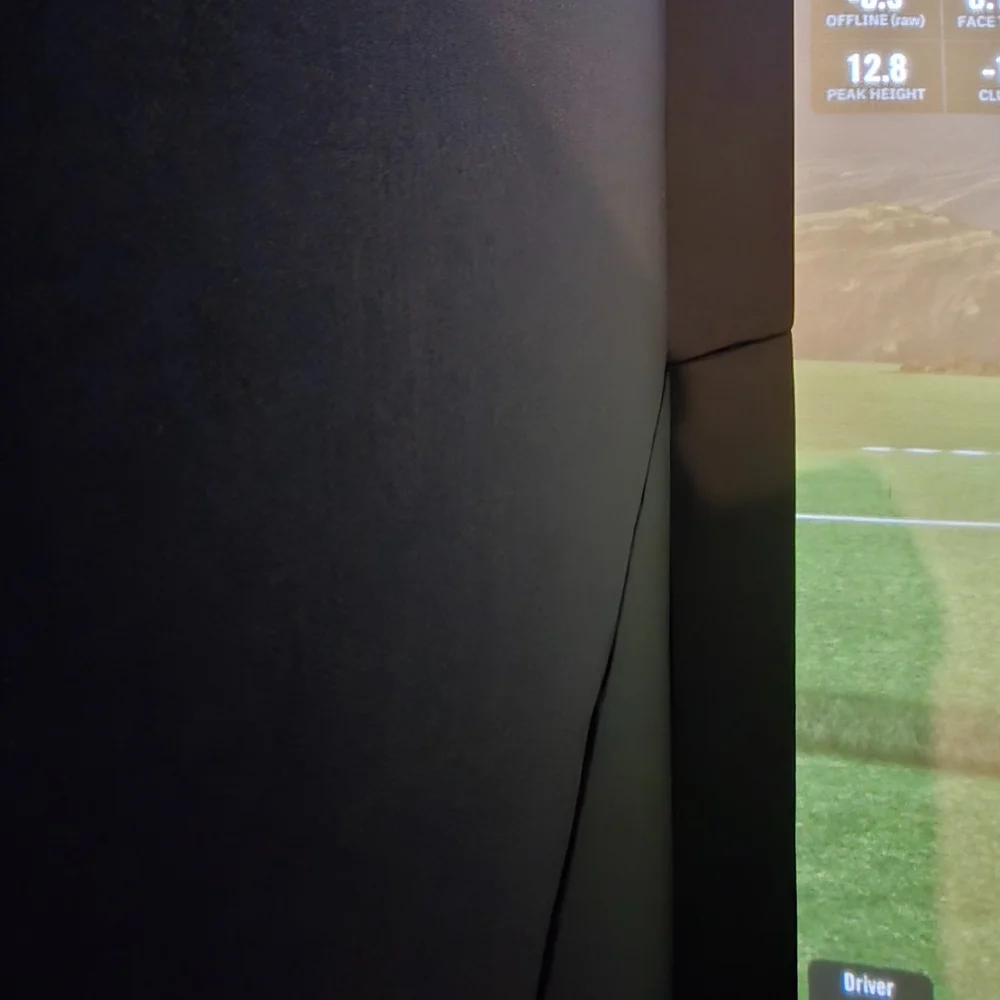
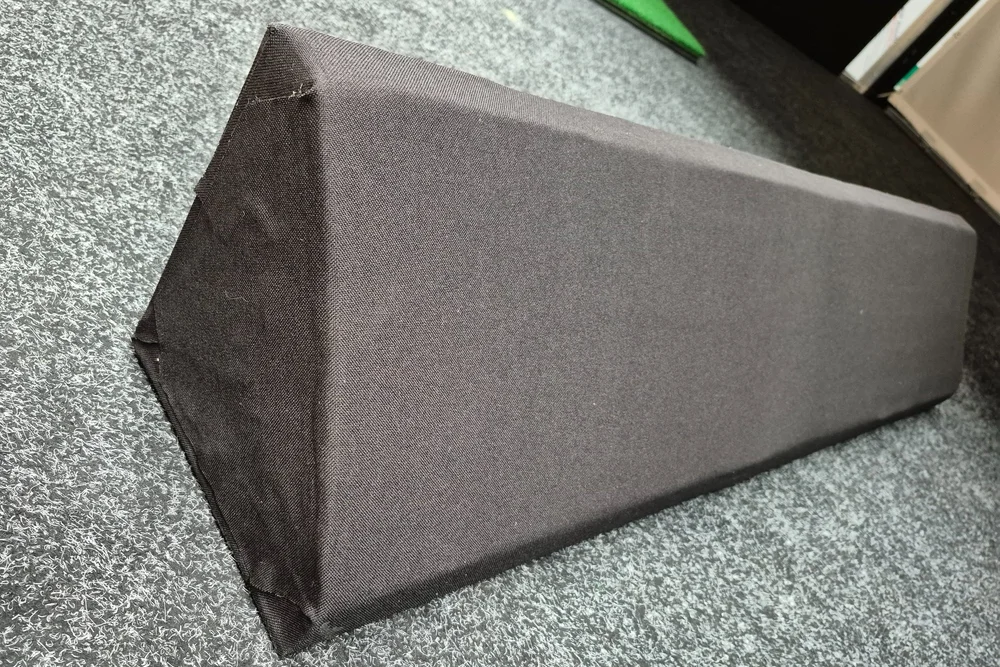
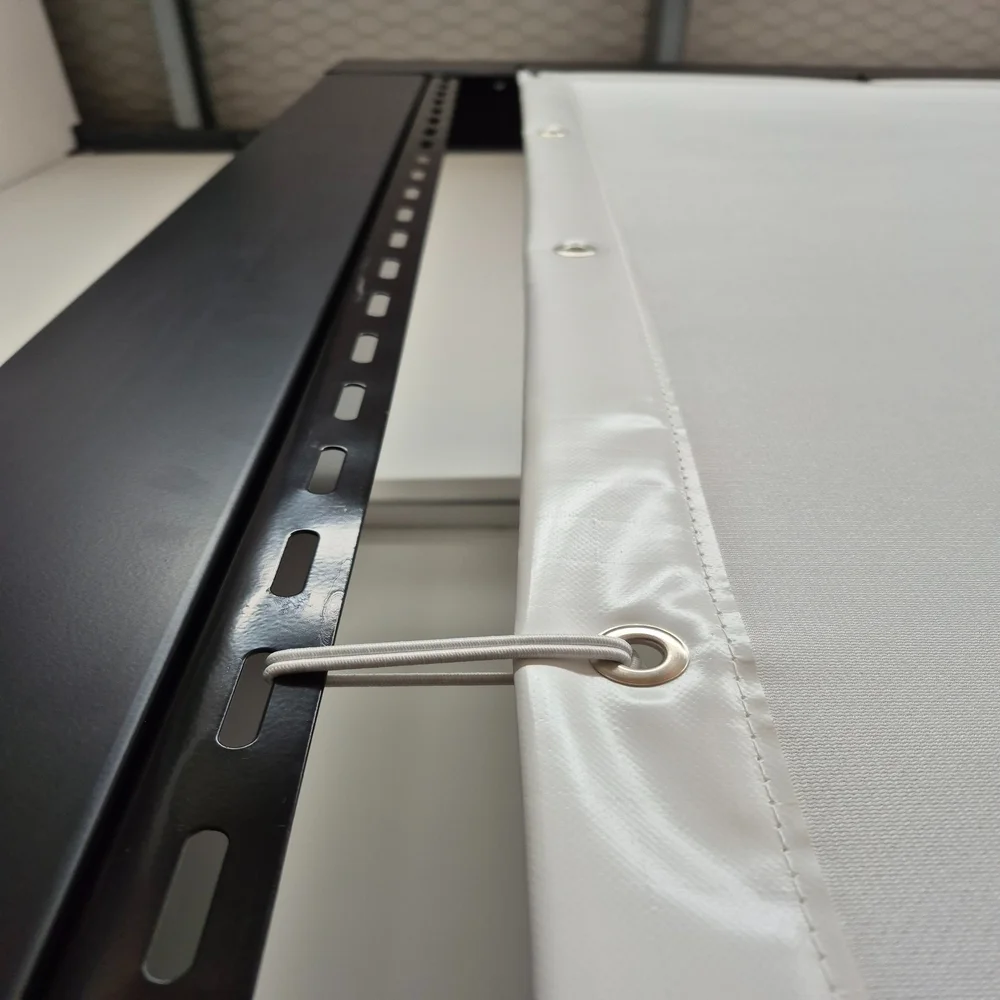
When your impact projection screen is hung, fixing points and the screen hem are visible. For a professional picture-frame finish — and to stop ricochets and balls finding a way behind the screen — we developed our Screen Edge Foam.
Black upholstery fabric wrapped over triangular-profile foam. The back two sides measure 200 × 200 mm; the front has small 35 mm square edges before the 45° face — matching the thickness of our impact panels for a seamless transition.
A rigid rear spine gives structural rigidity while the soft face protects you and your surroundings from off-centre shots.
Impact Projection Screen
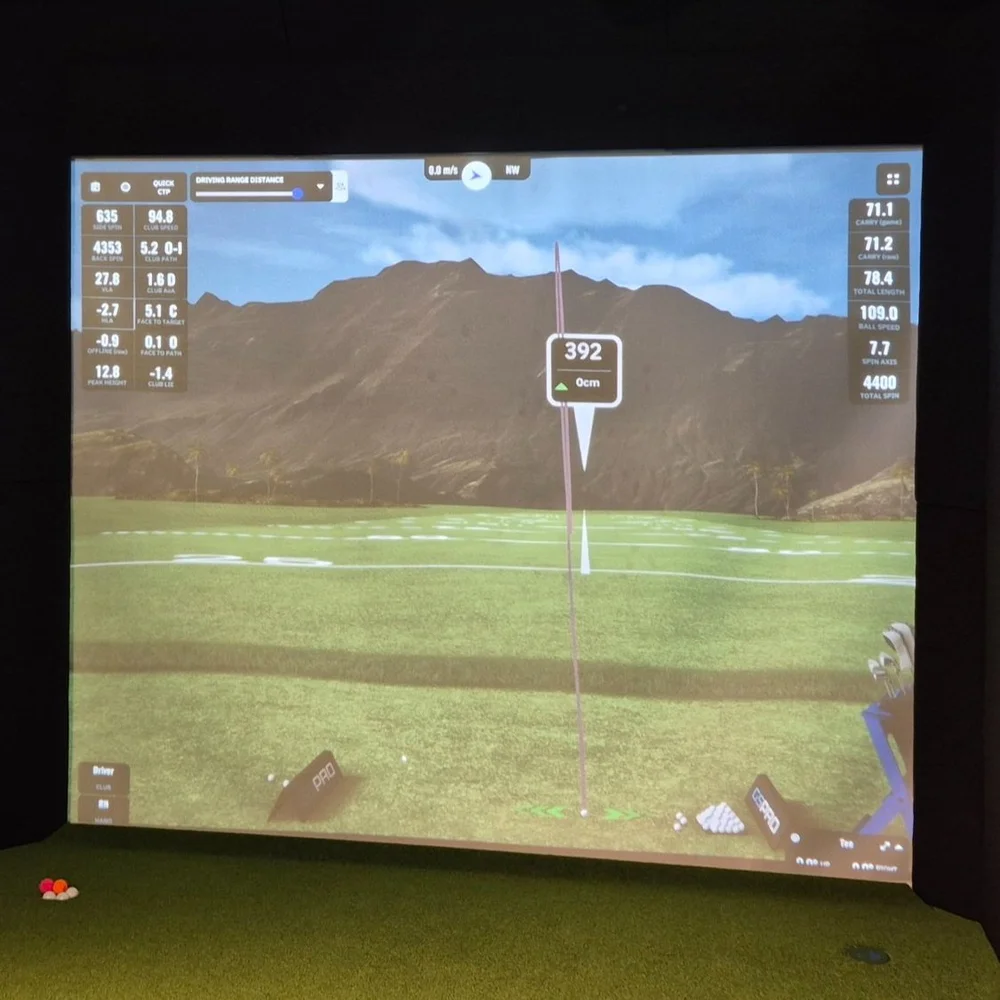
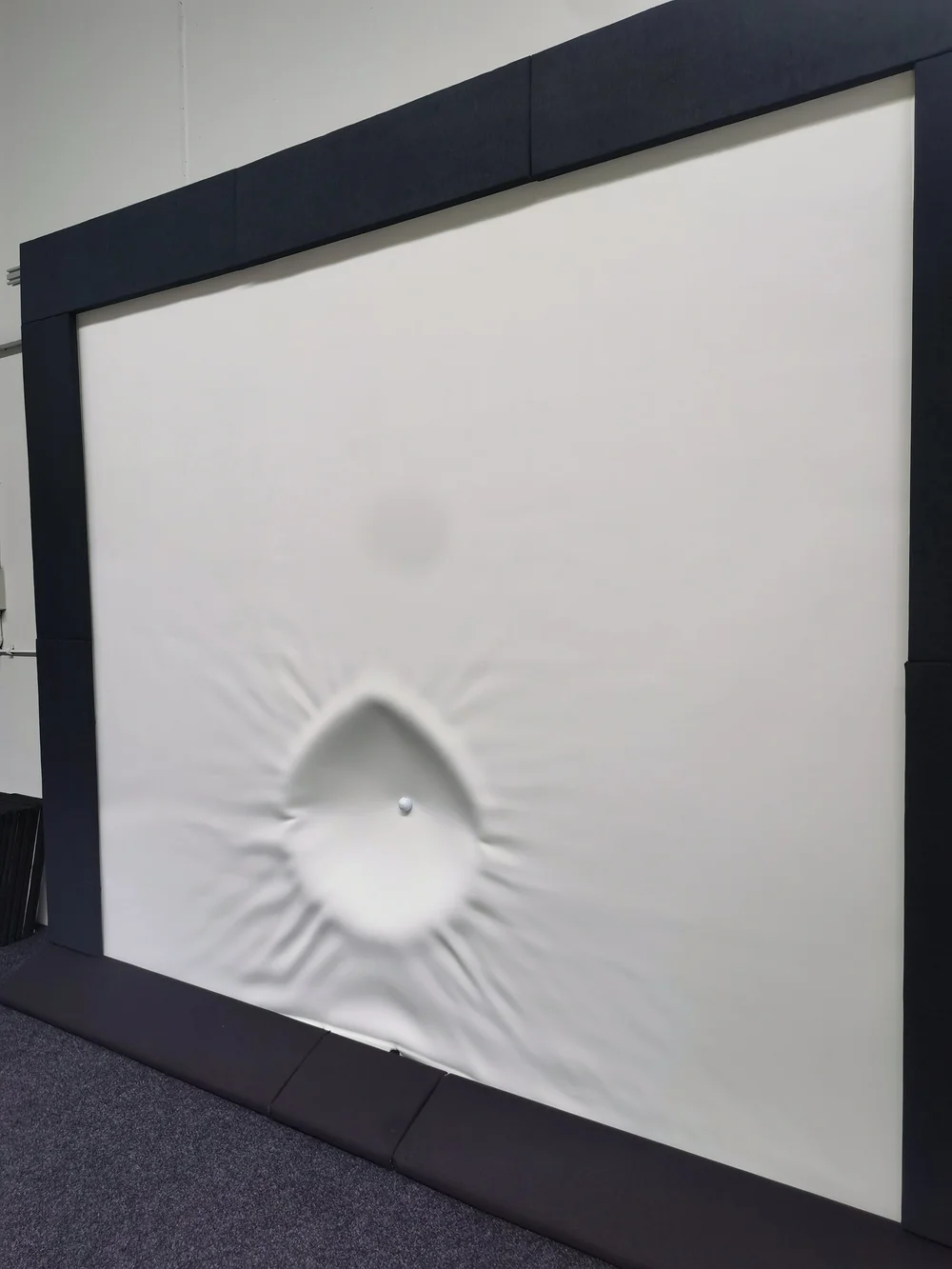
Specially designed multi-layered fabric absorbs impact from full golf swings. The material takes the hit and returns to its original state, ready for the next shot.
The tight-knit front face keeps high-definition projected images sharp and vibrant — so your enclosure can also work as a cinema room or for watching sport on the big screen.
Finished with a reinforced hem and regularly spaced eyelets for multiple fixing points. Screens are custom-produced to your size so they fit perfectly.
Hit Mat & Putting Surface
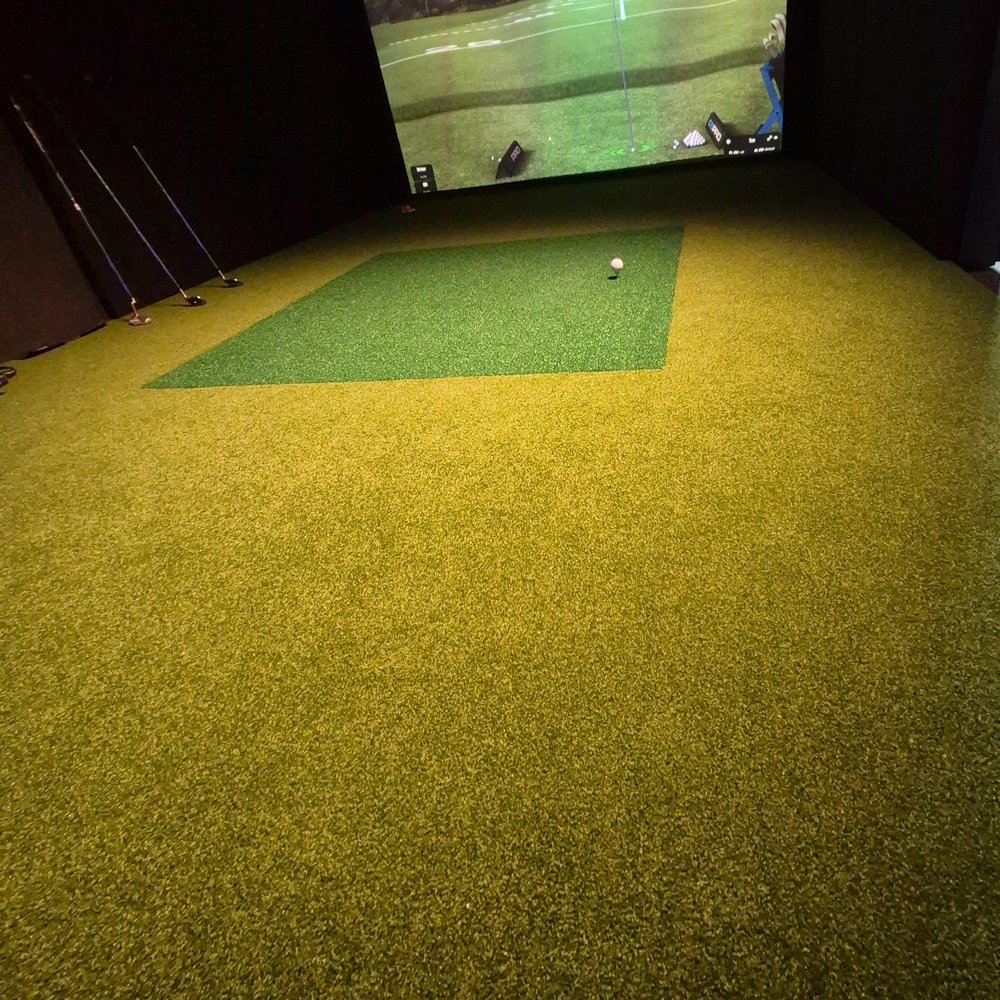
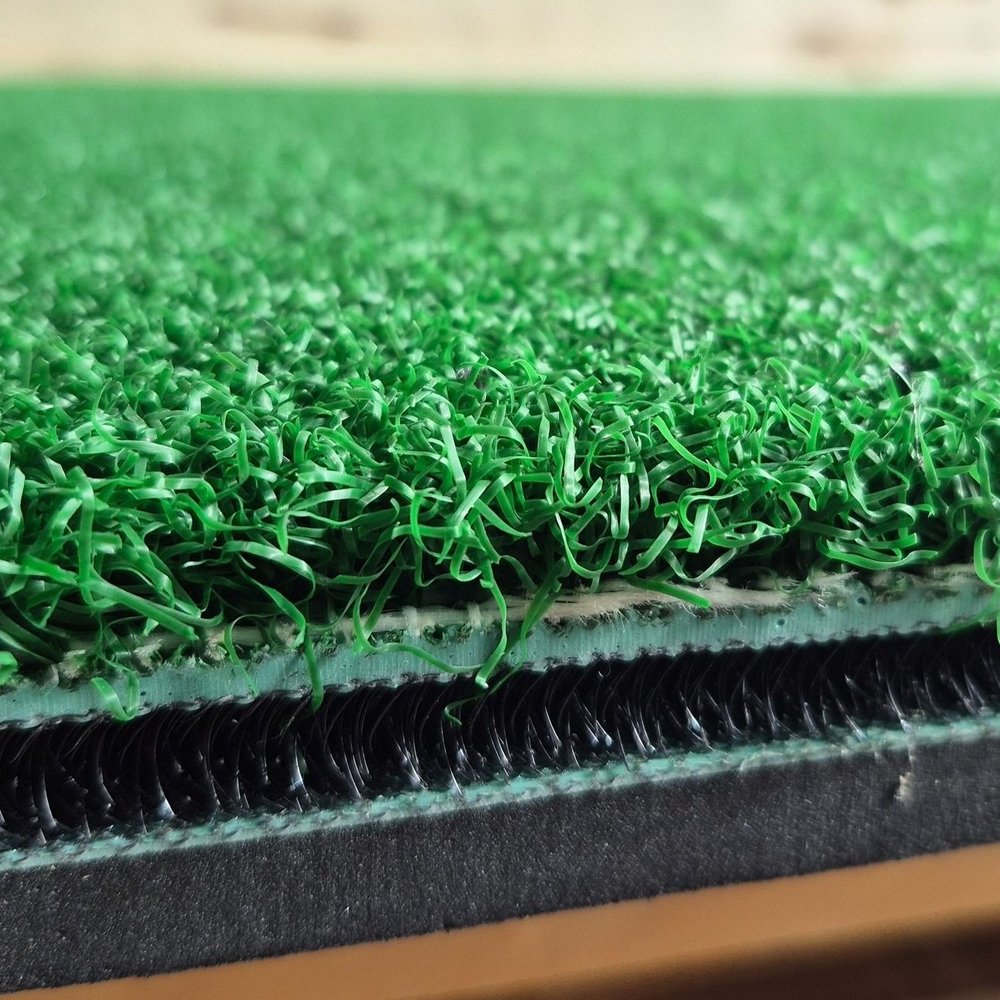
Our hit mats are hard-wearing but feel as close to real grass as a synthetic surface can. The 3D spacer core compresses under the swing and is easier on your joints. At 1.5 m square you can stand and hit on the same surface, and rotate the mat four ways over time to extend its life.
A full putting surface lifts both the look and the play. Low-profile putting cups can be installed, and the turf can ramp to the screen to hide bottom fixings.
We use short-pile synthetic grass designed for putting. The sub-floor is built up so the turf sits at the same height as the hit mat.
Free Standing Frames
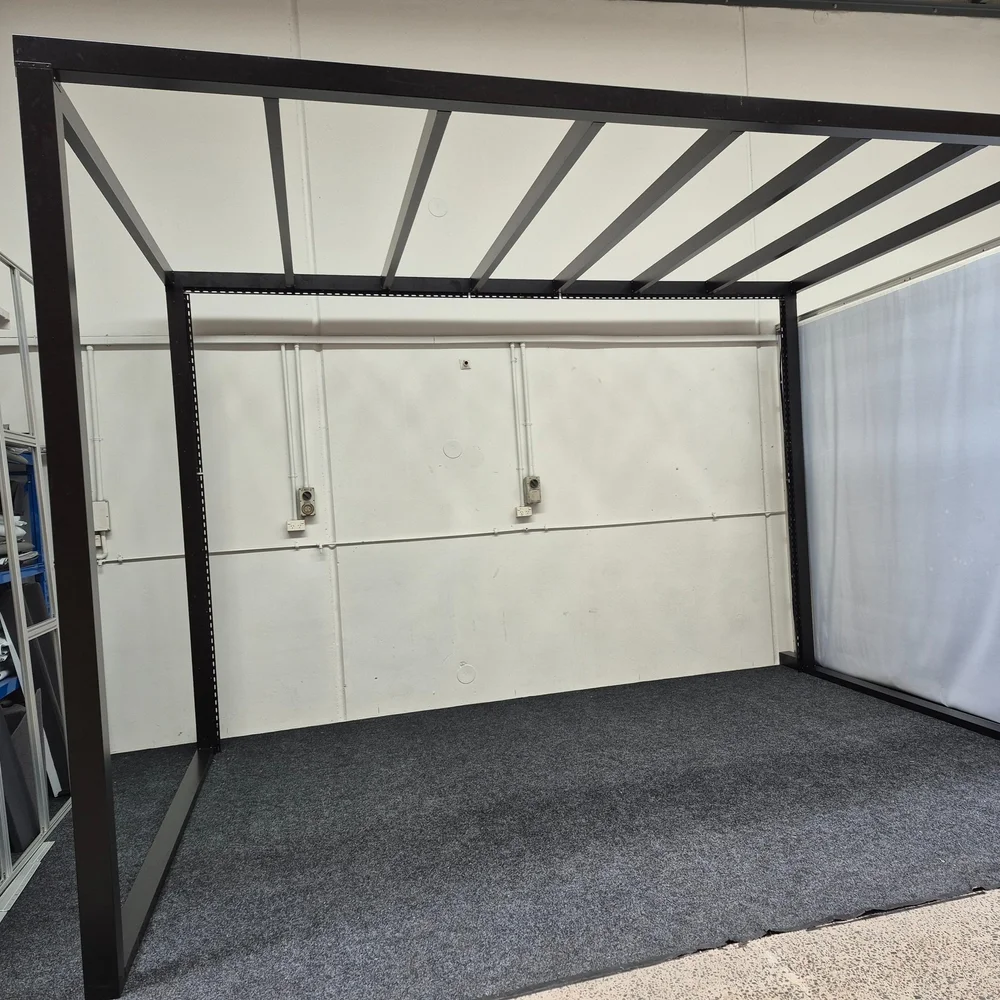
If you have an open space — commercial building, warehouse, or a large shed with an empty corner — a free-standing frame is what you need to hang your screen and build the enclosure.
We don’t use flimsy tent-pole frames. Ours are custom-built from robust powder-coated aluminium, similar to outdoor pergola and louvre systems. Fabricated in-house with fixing points and hardware so assembly is straightforward.
Includes structure construction, brackets for impact/projection screens, fixing points for wall and ceiling panels, and the ability to mount projector, launch monitor, lights, speakers, club rack and more.
View freestanding enclosure packagesTechnology components
Launch Monitors
The launch monitor measures club and ball data when you hit. Options differ in accuracy, portability and install type.
Floor-standing
Usually portable and a cost-effective entry point. Place behind or beside the ball. Great for DIY and smaller budgets, with some limitations vs overhead units.
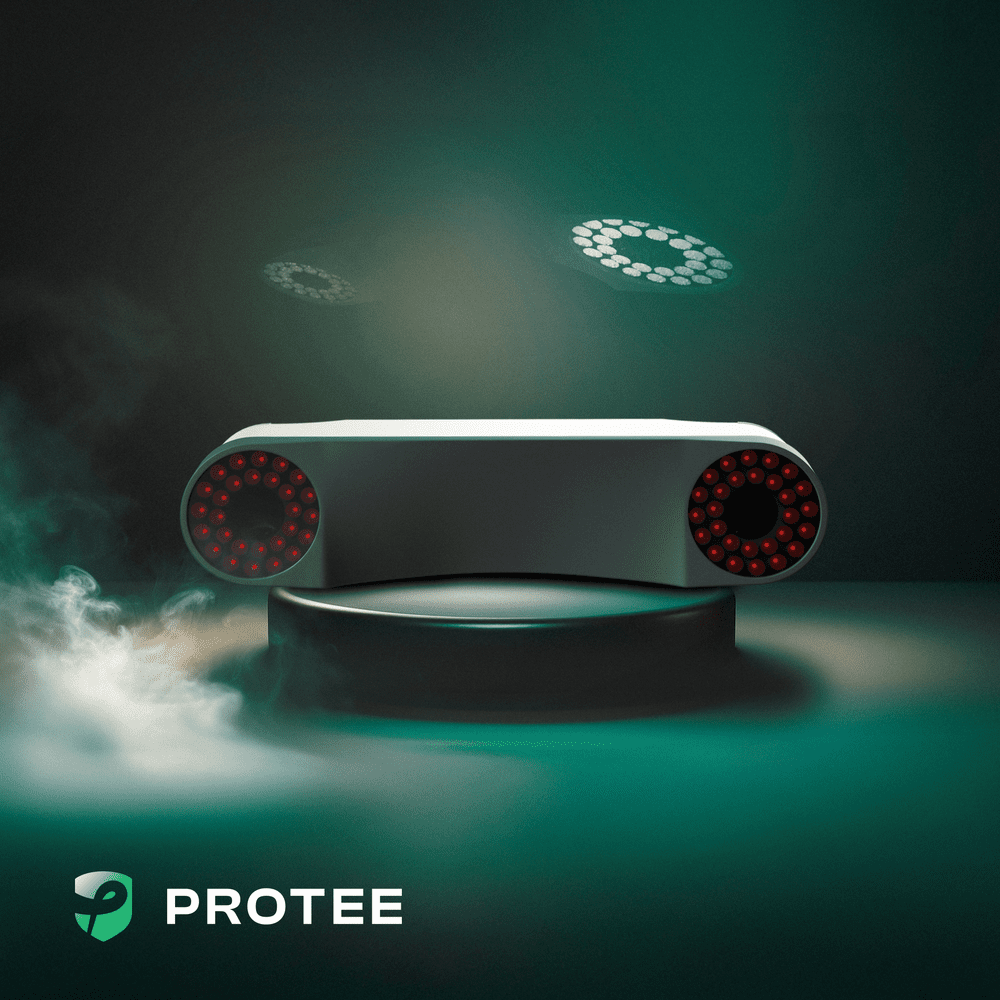
Overhead (e.g. Protee VX)
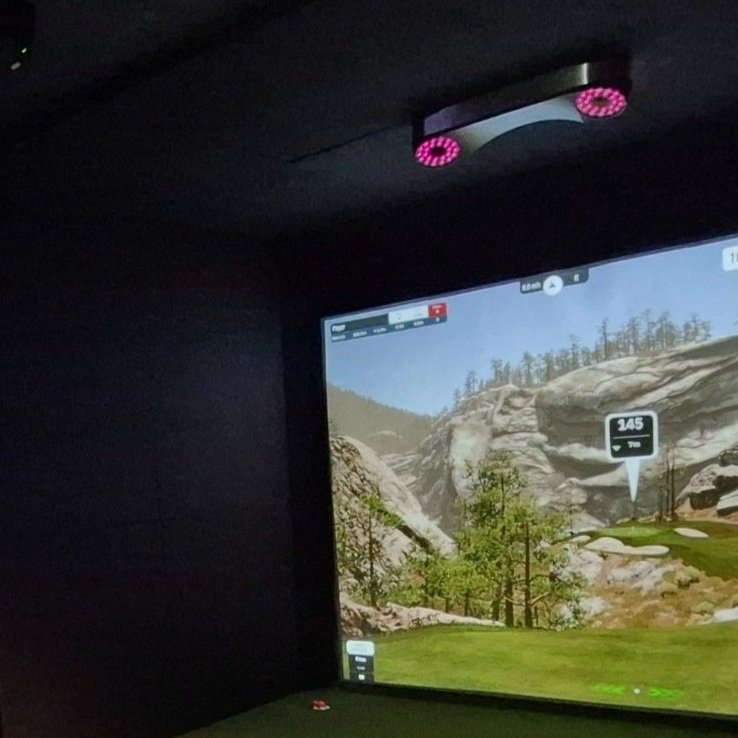
Premium option for permanent install. Higher accuracy (especially chipping and putting). Hardwired, no charging, clear floor space — ideal for left and right hitters.
Displays
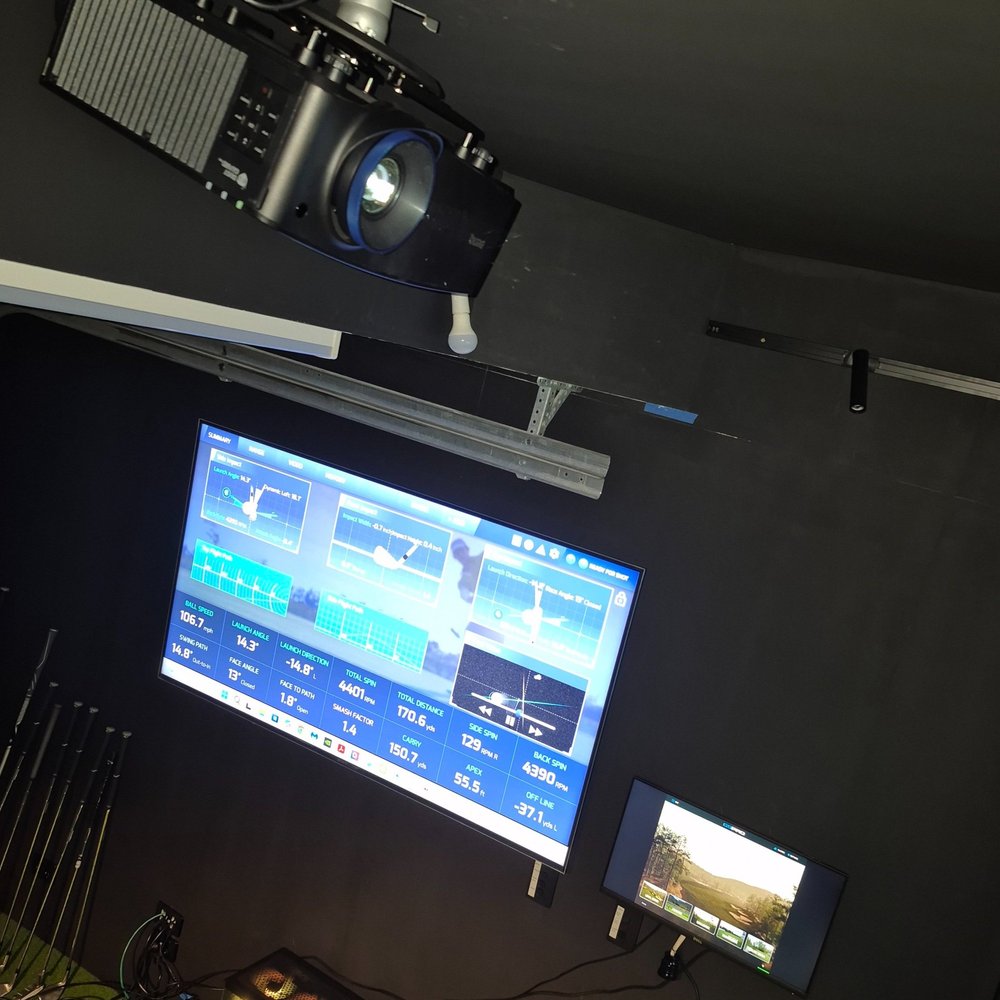
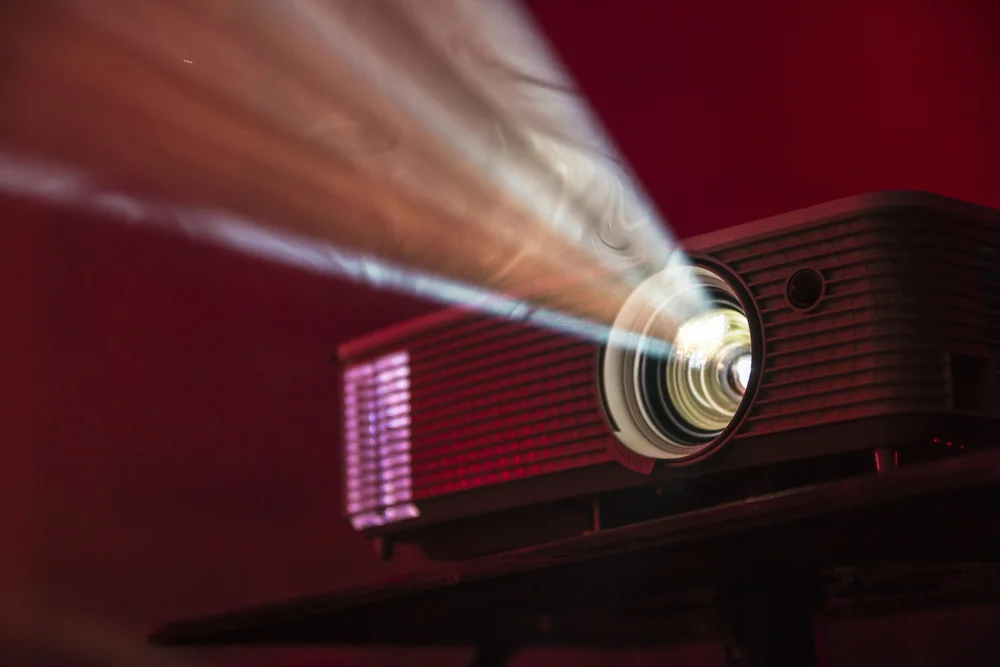
A premium setup usually uses two displays: the projector on the impact screen in front of you, and a side reference monitor for data, control and club/ball info as you play.
Key projector considerations:
- Resolution (1080p or 4K)
- Brightness (lumens)
- Throw distance (short-throw / ultra-short-throw)
- Light source (lamp or laser)
- Adjustability
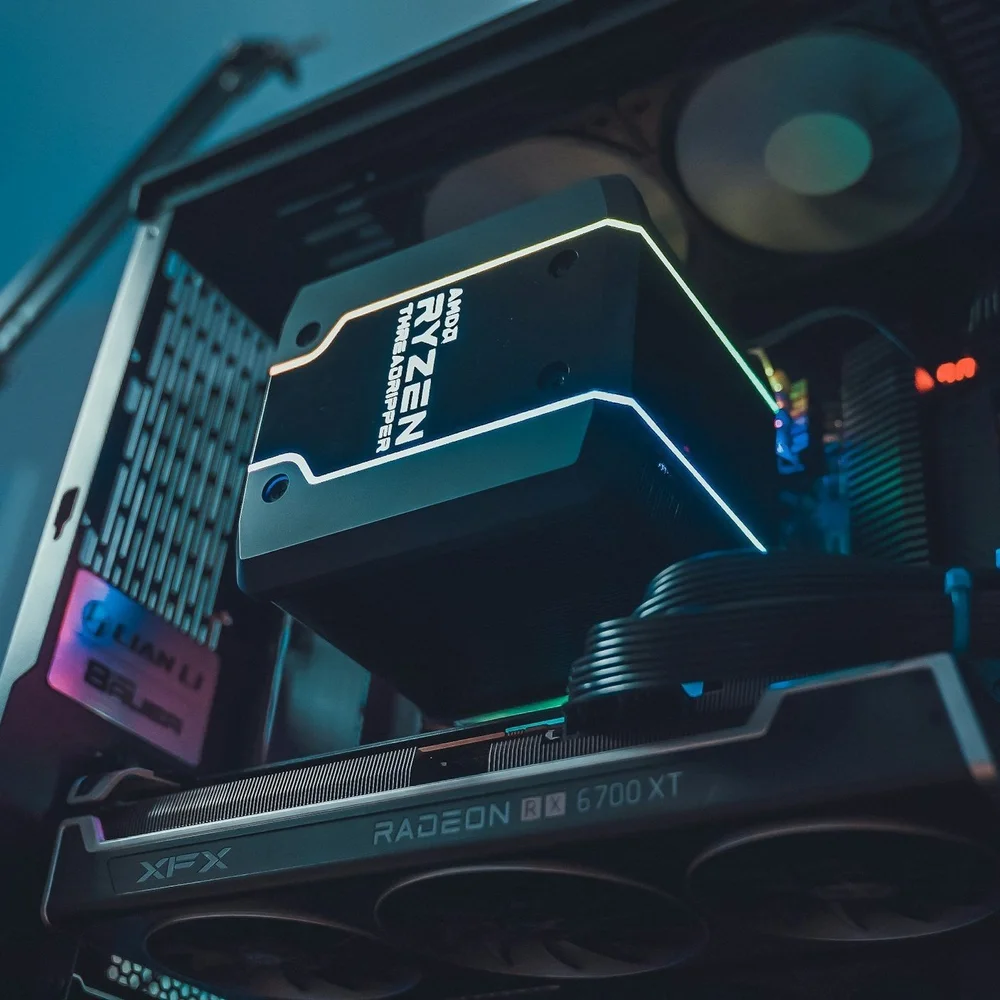
Gaming PC
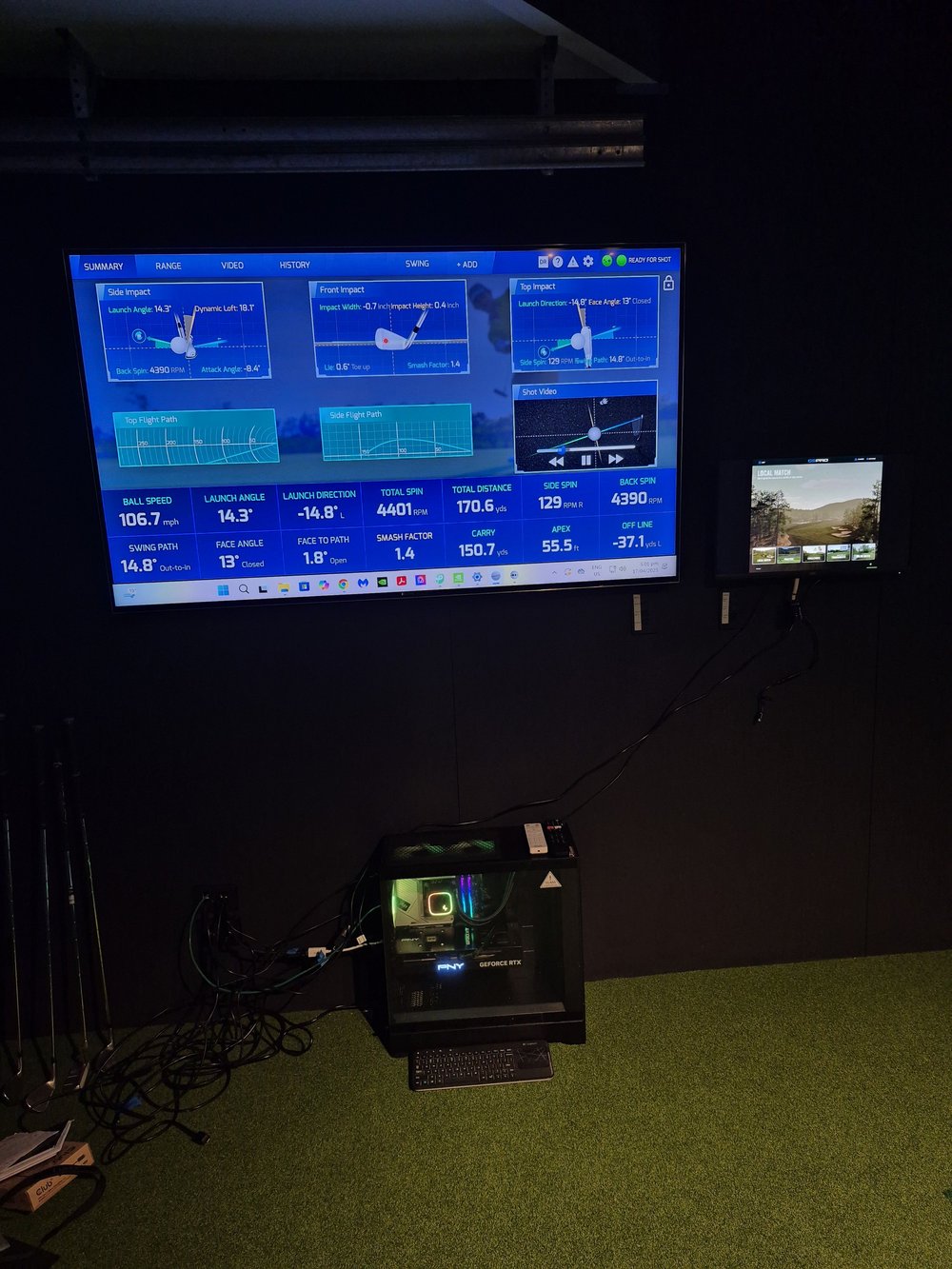
In some cases you can use a tablet or PC you already have, but demands are high. A dedicated gaming PC is usually the best option.
The PC is the hub that keeps launch monitor, software and projector working together. Minimum specs are needed to run sim software smoothly; the projector resolution you choose often drives the graphics card requirement.
We can specify a PC as part of a 1080p or 4K tech pack to match your enclosure and launch monitor.
Build it yourself, or have us do it
Same quality components either way. Choose DIY or turn-key.
Need help specifying components?
Tell us your room size and budget. We’ll recommend the right mix of enclosure and technology components.
Request Consultation